
All Done?
All done? Not yet? Then get it done.
Work management for small teams that want clarity without the overhead, on the web, iPhone, iPad and Android.
All done? Not yet? Then get it done.
Clarity at a glance
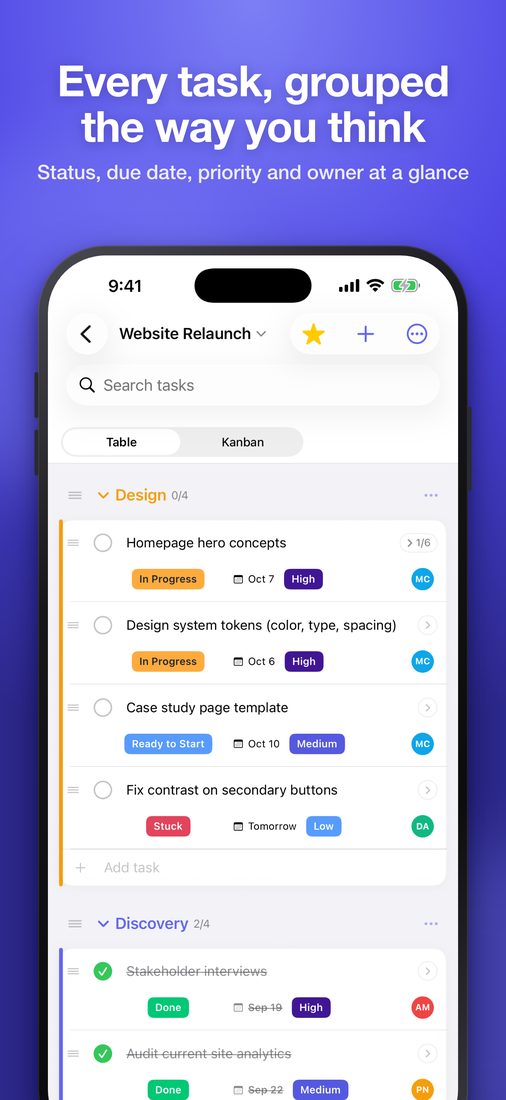
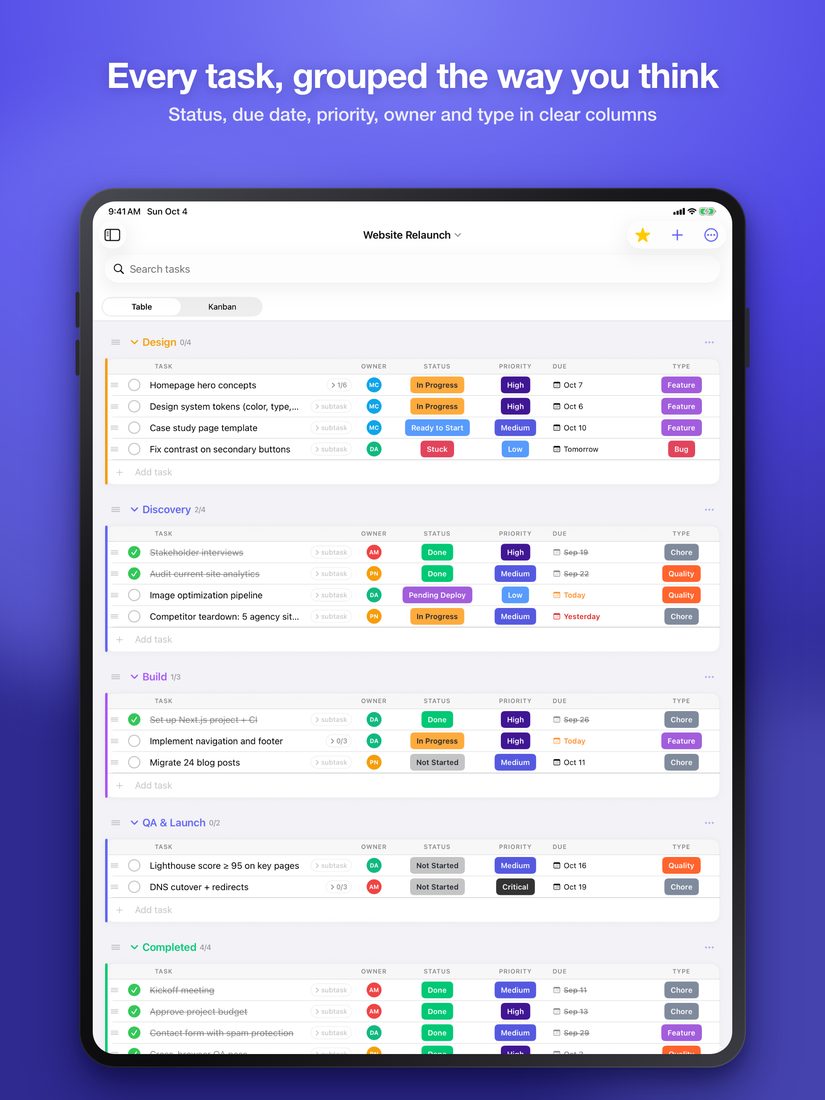
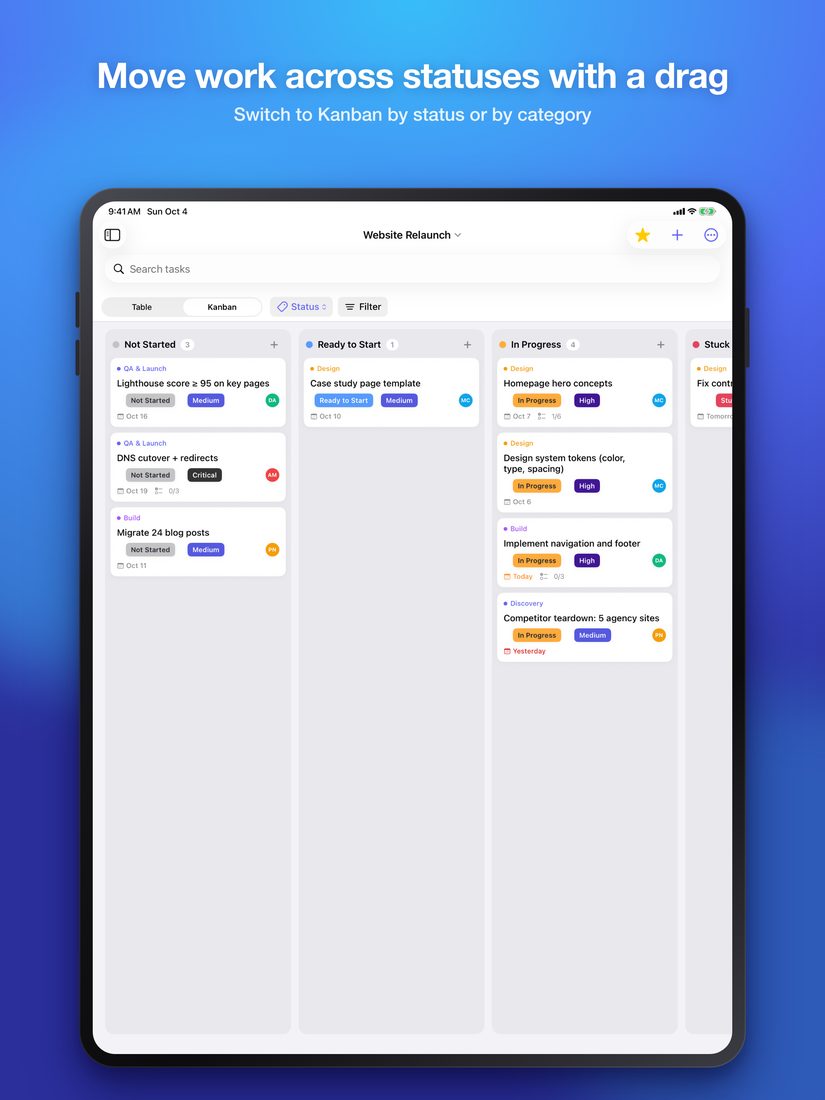
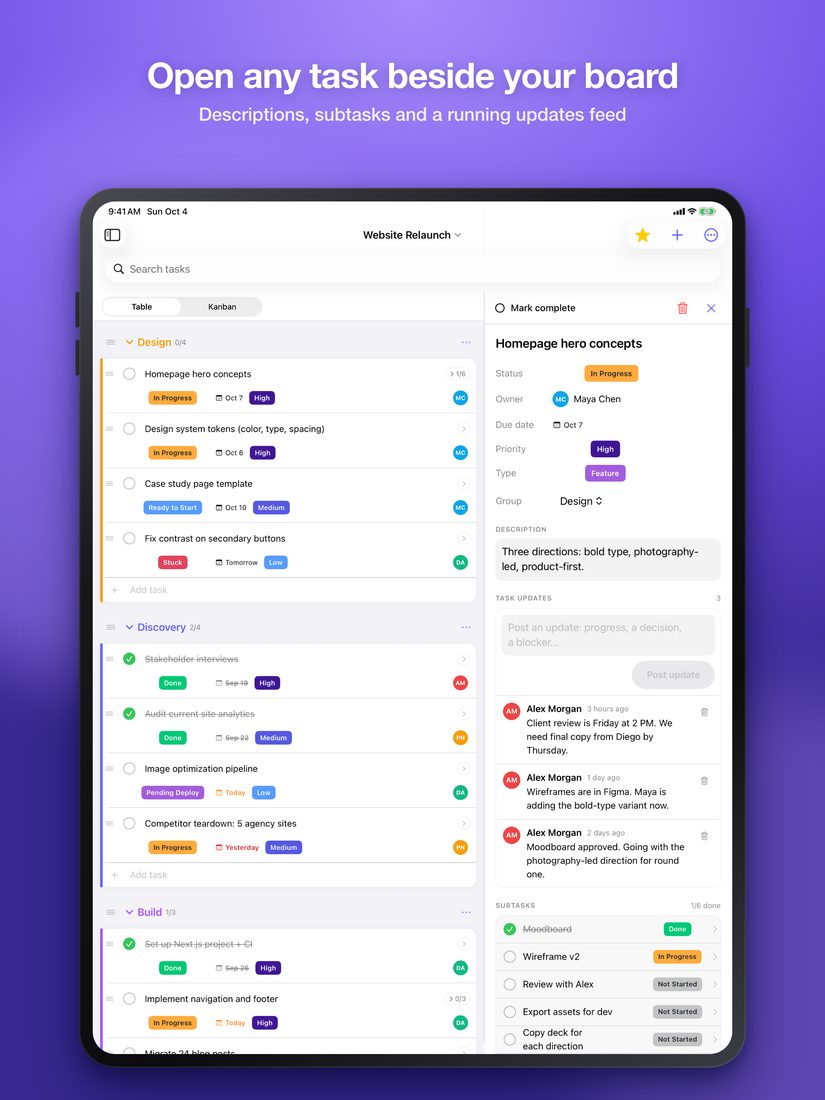
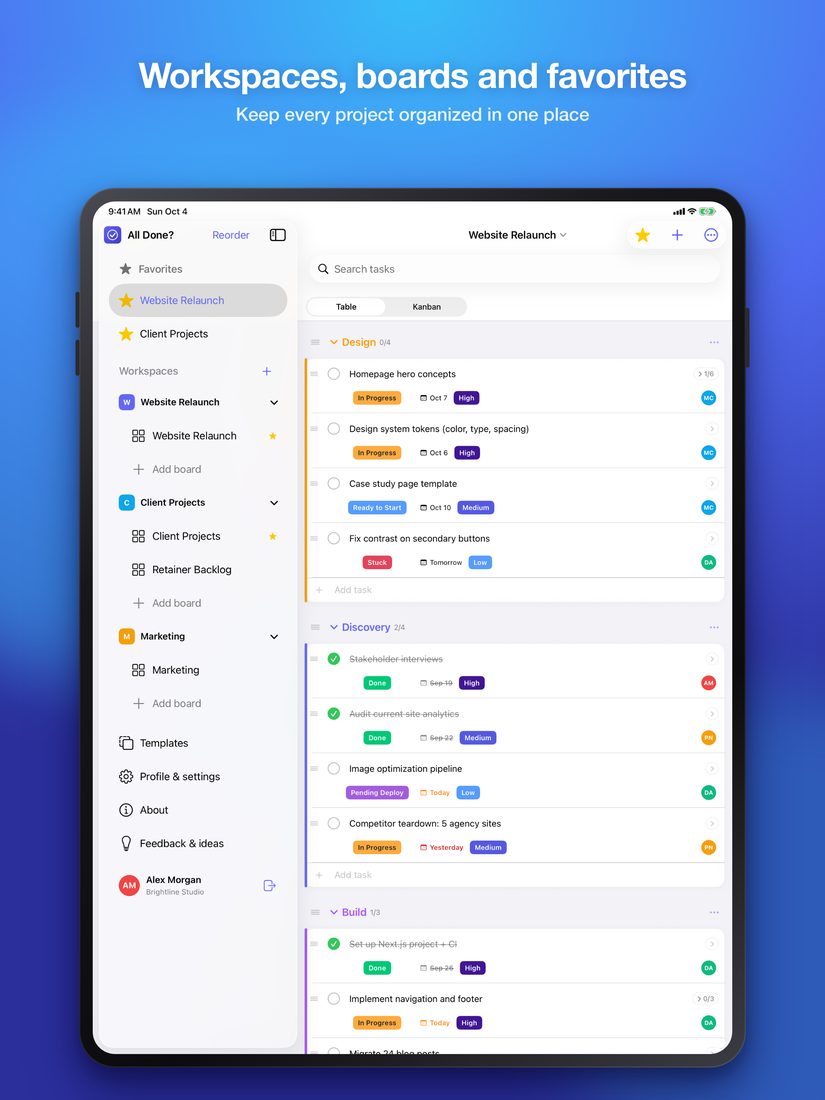
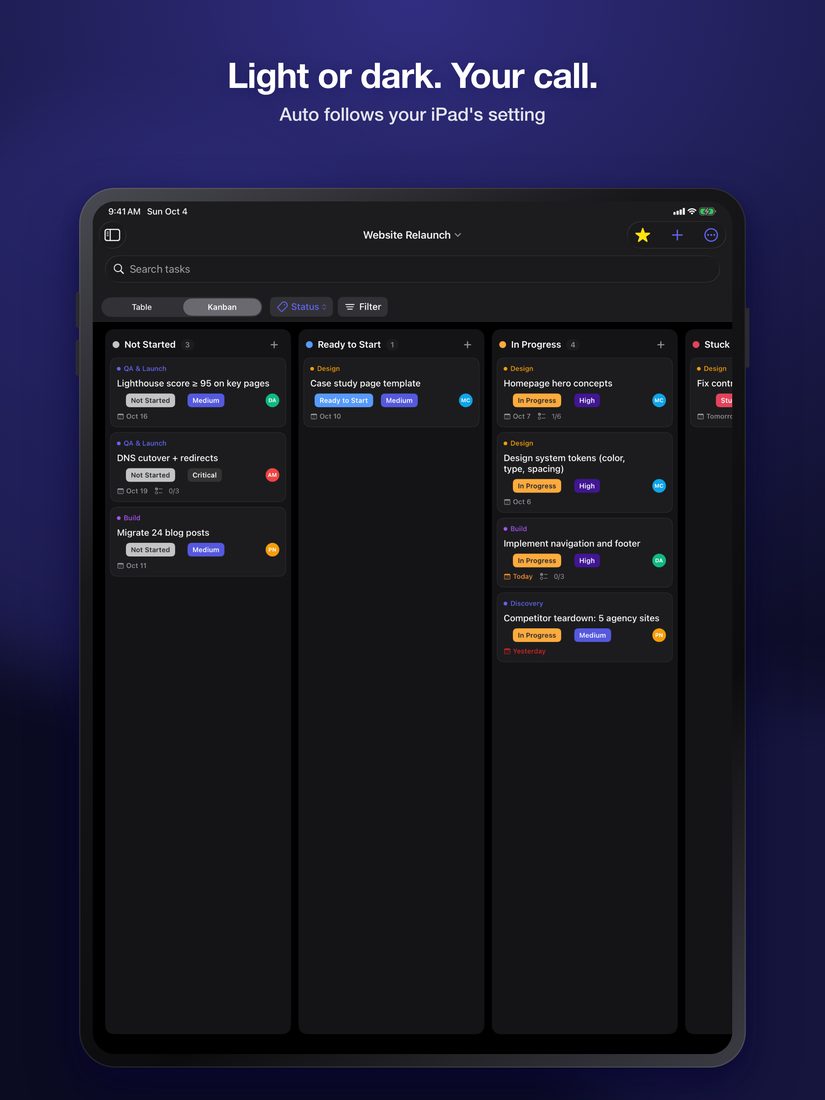
See who owns what and what's due next, as a table or a board, without configuring anything.
Structure that fits your team
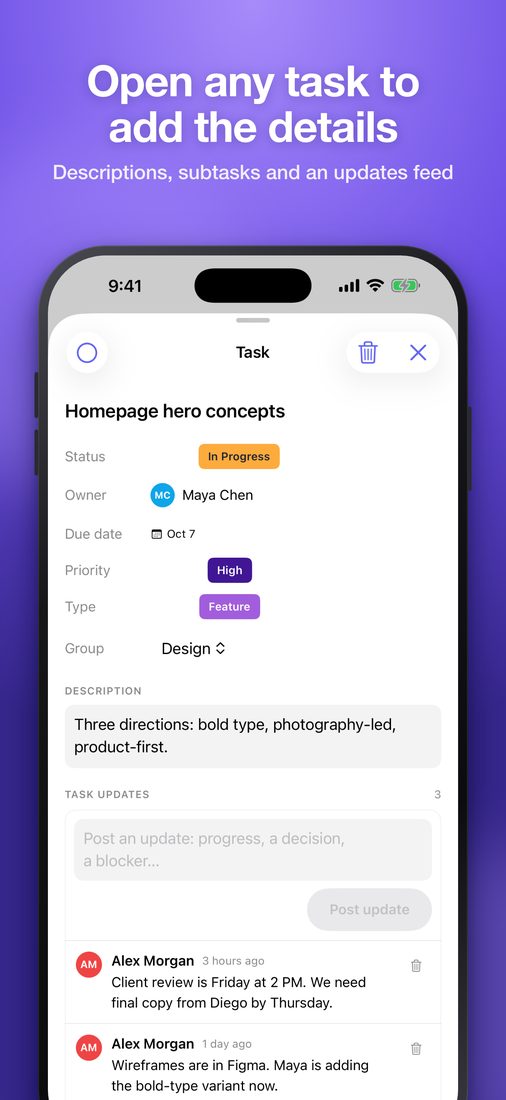
Projects break down into tasks and subtasks the way your team already thinks about work, with labels each team defines for itself.
Deadlines you can rely on
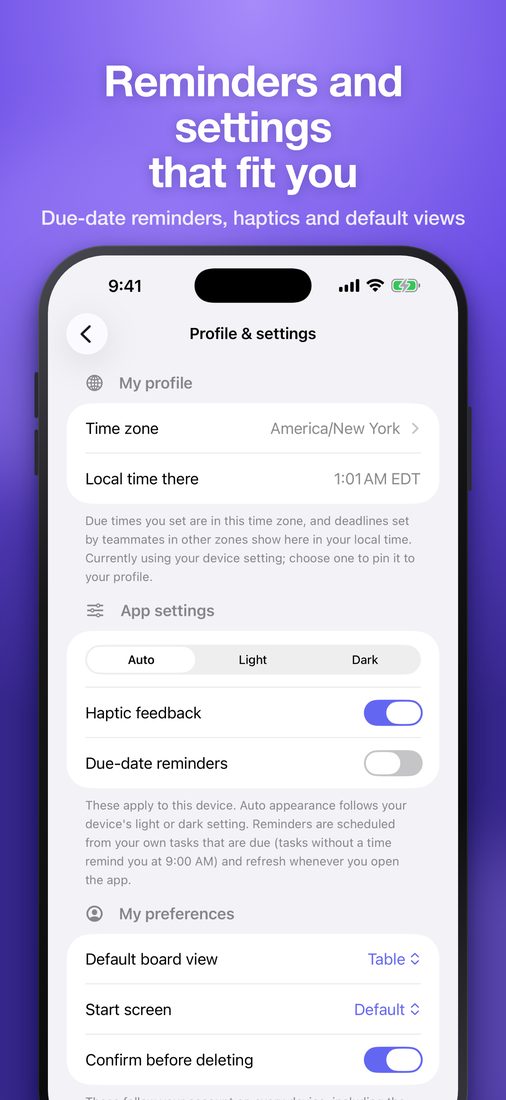
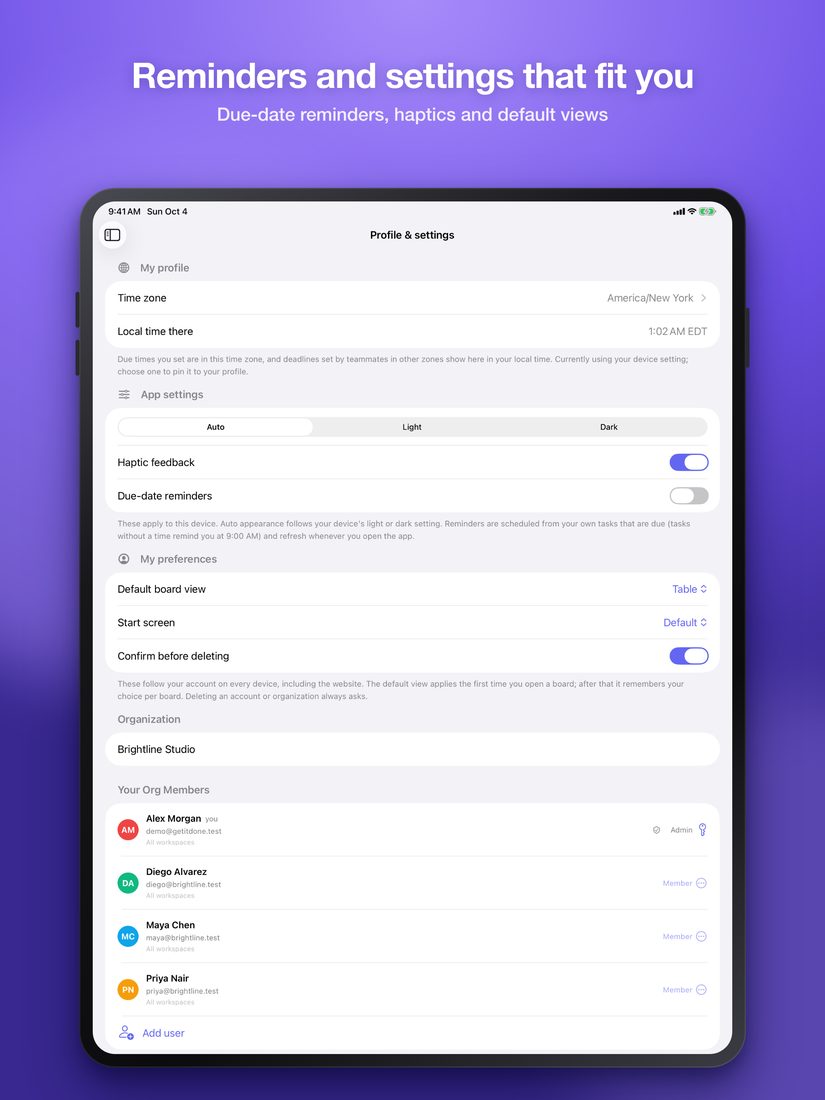
Due dates and reminders that stay correct across time zones and reach every device.
The right people, the right work
Bring in the whole organization and decide exactly which workspaces each person can see.
Work management for small teams
All Done? gives small teams one place to plan, assign and track work. Projects break down into tasks and subtasks with owners, priorities and deadlines, every update is kept with the work it belongs to, and teams can start from proven templates instead of a blank page. Access is controlled per workspace, nothing is lost by accident, and the same account works on the web, iPhone, iPad and Android.
Everything in All Done?
Organized your way
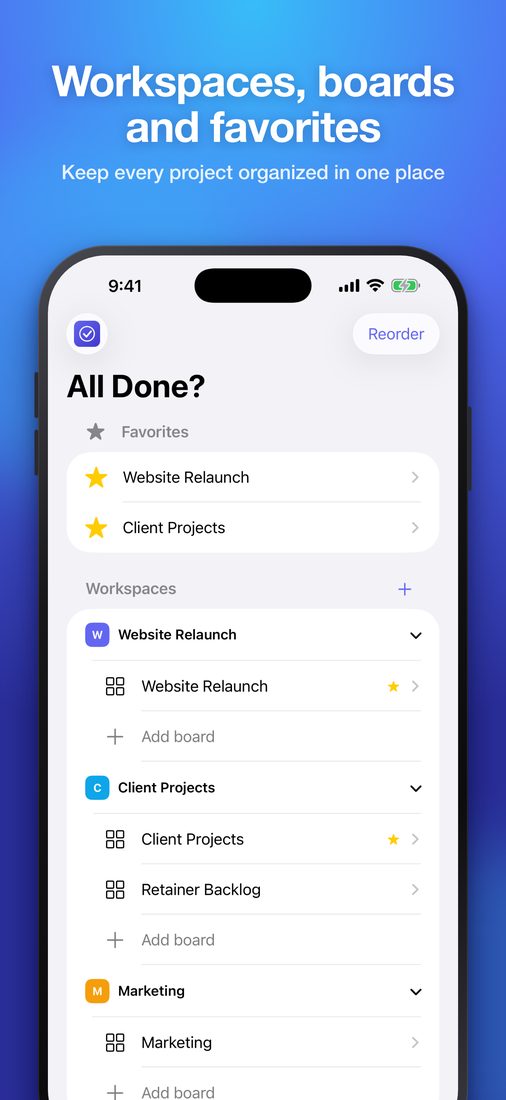
Workspaces, boards and nested subtasks that mirror how your team actually works.
Table and board views
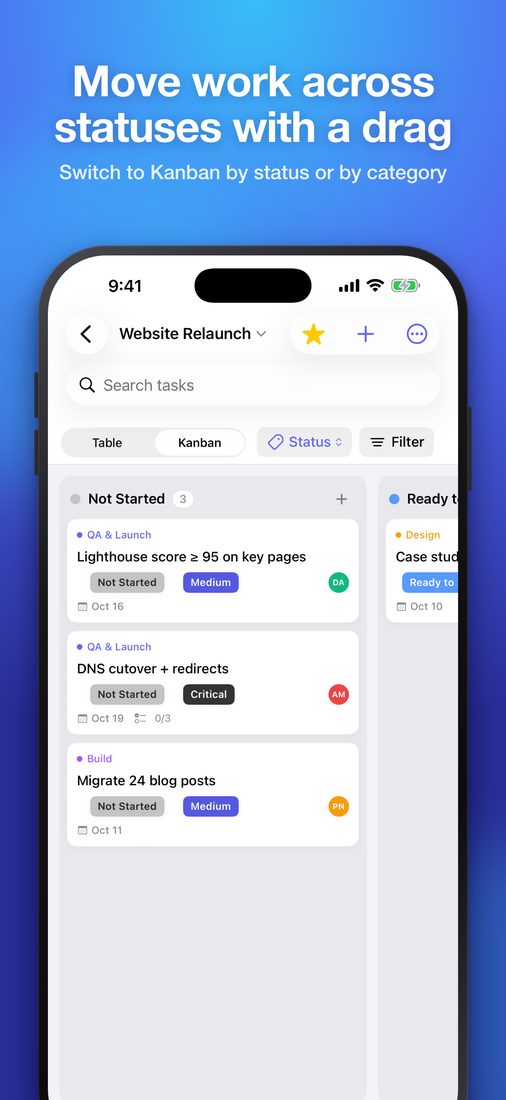
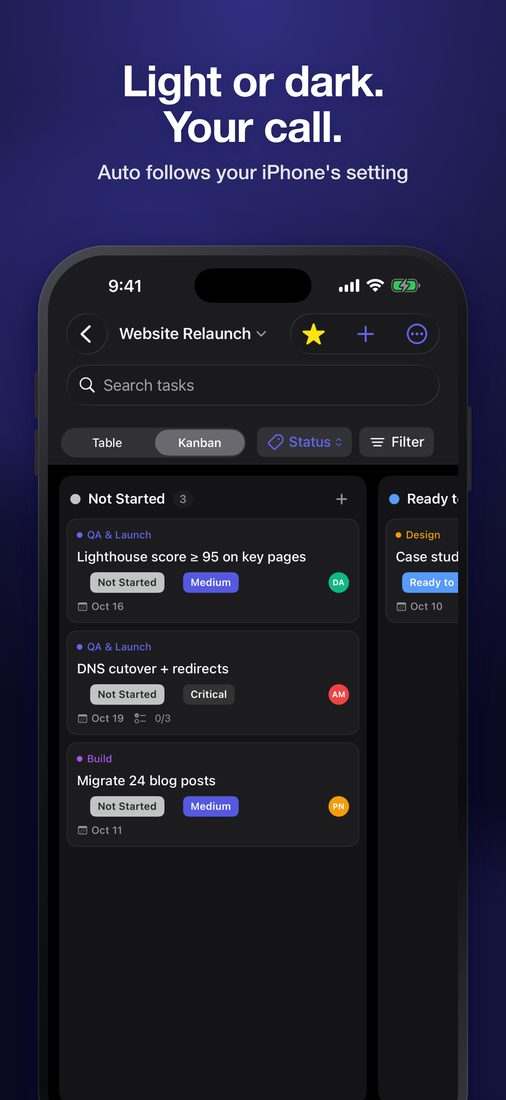
Switch between a grouped table and a kanban board instantly, with filters.
Deadlines and reminders
Due dates with optional times, kept correct across time zones, with reminders on every device.
Team access control
One organization for your team, with workspace-level access for each member.
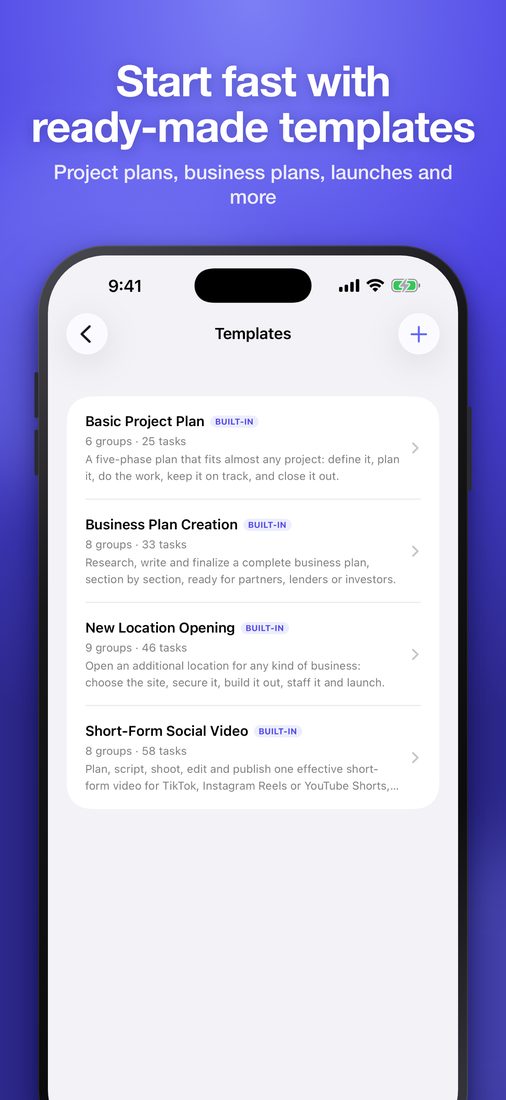
Templates
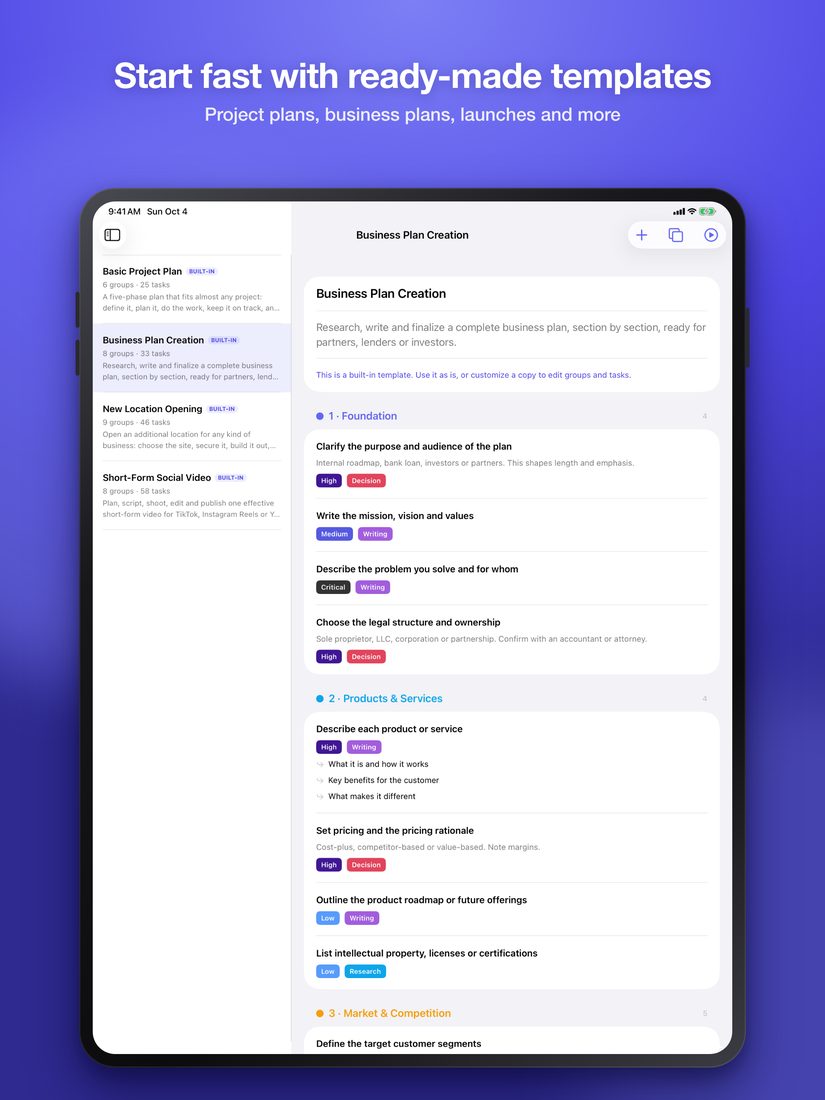
Start from proven templates or turn any board into your own.
Context on every task
Owners, priorities, subtasks and a running updates feed, all with the work.
Nothing lost by accident
Undo, archive and 30-day restore keep work safe.
Everywhere your team is
Web, iPhone, iPad and Android with one account, signed in with email, Google or Apple.
See it in action
The App Store screenshots, on iPhone and iPad. Swipe or scroll to see them all.
Free
All Done? is free to use.
Frequently asked questions
How do I add my team?
Admins add team members from Settings → Members with a name, email, and password, and choose each member's role and workspace access. Everyone in your organization then signs in with their own account.
Can I limit what a team member can see?
Yes — admins can give a member access to every workspace, or restrict them to just the ones they need, from Settings → Members.
How do I switch between table and kanban view?
Use the view toggle on any board to switch between the grouped table view and the kanban view by status.
Can I customize statuses, priorities, and types?
Yes. Open a board's label editor (Edit labels) to rename, recolor, add, and reorder them. Labels belong to each board, and every status is marked To-do, Active, or Done so completing a task works the way you expect.
What templates are included?
Three built-in templates: Basic Project Plan, Business Plan Creation, and New Location Opening. Use one to start a new board, or open it from the Templates page and choose Customize a copy to make it your own.
How do I reuse a board's setup for new work?
Choose Duplicate board for an exact copy, or Save as template from the board menu and create new boards from that template any time.
Can I move a group to a different board?
Yes — open the group's menu and choose Move to another board, either to an existing board or to a brand-new one.
How do I send feedback or suggest a feature?
Use the feedback option in the sidebar or on the About page — every submission goes straight to the All Done? team.
How do I delete my account?
See our Delete Account page — you can do it yourself from Settings.