
Colorful Recipes
Cook real food. Know what's in the rest.
Christine's Colorful Recipes in your pocket, with a step-by-step Cook Mode and a product scanner that shows what's really in packaged food.
Cook real food. Know what's in the rest.
Recipes that are easy to love
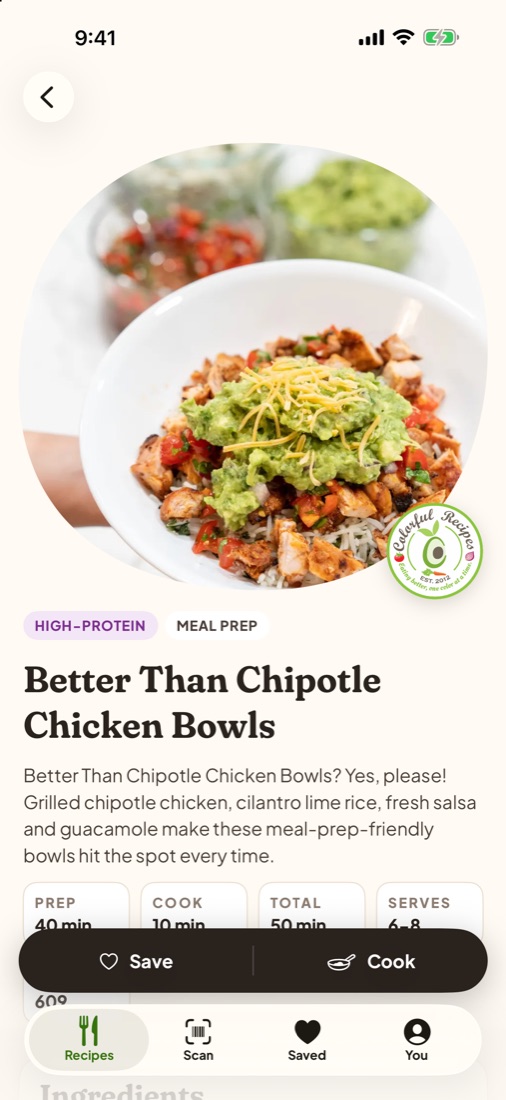
High-protein bowls, simple dinners and treats with fewer ingredients, each with nutrition, swaps, storage tips and video where there is one.
Cook without touching the screen
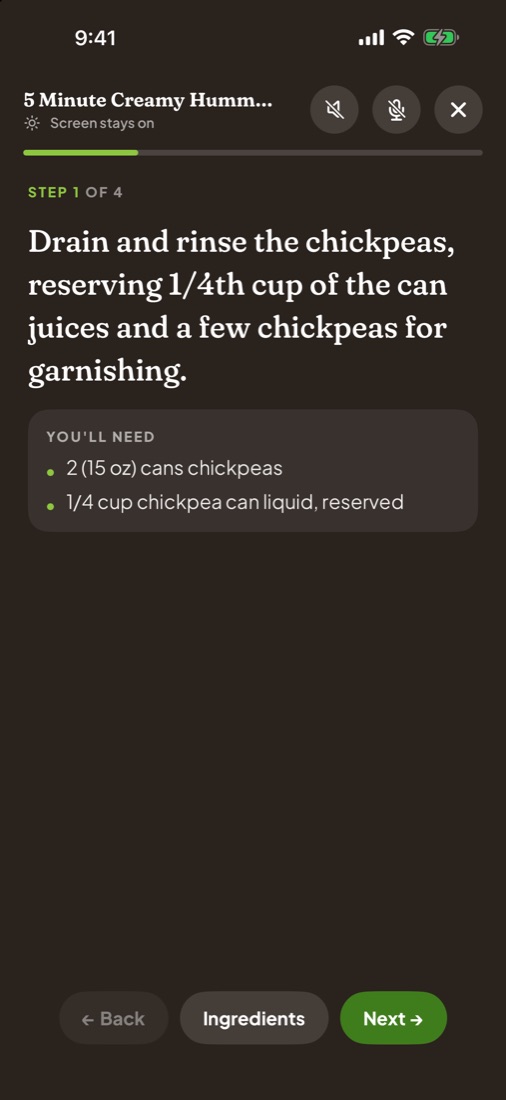
Cook Mode shows one step at a time, keeps the screen on, runs the timers and reads each step aloud in Christine's AI voice. Say "next", "back" or "repeat" to move along.
Scan before you buy
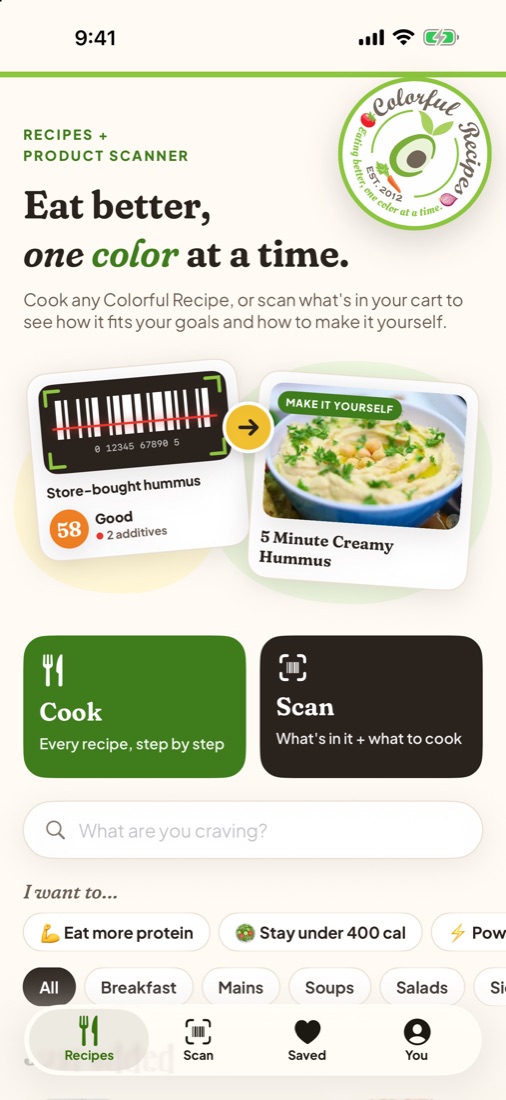
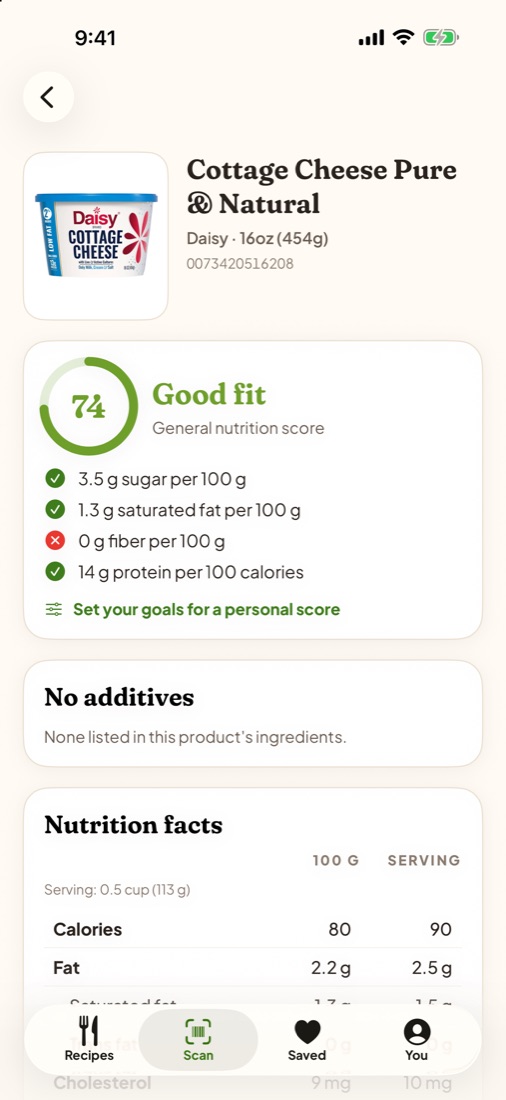
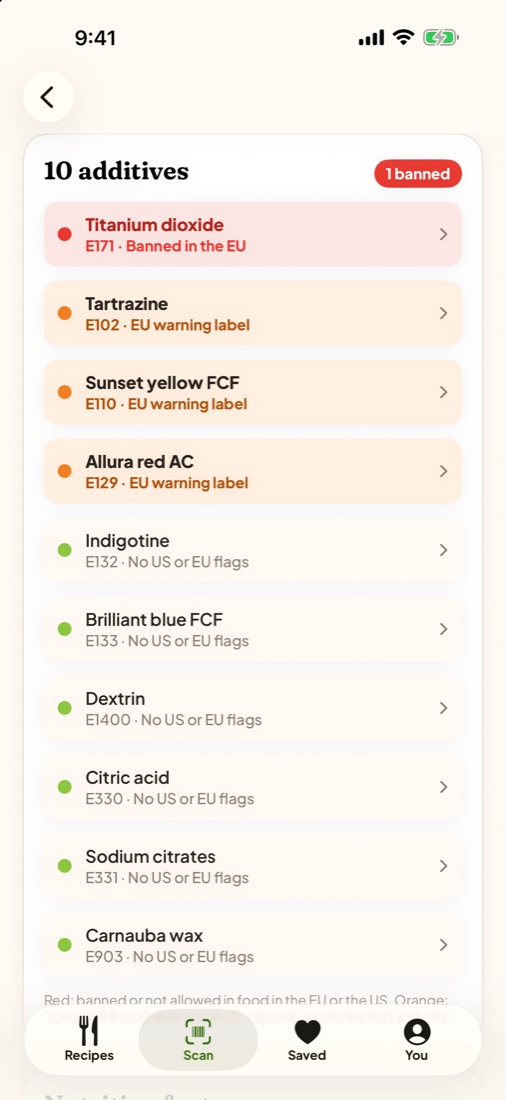
Point the camera at a barcode to see a score for your goals, allergy and diet warnings, and every additive, with the ones banned or restricted in the EU or the US marked.
Make it yourself
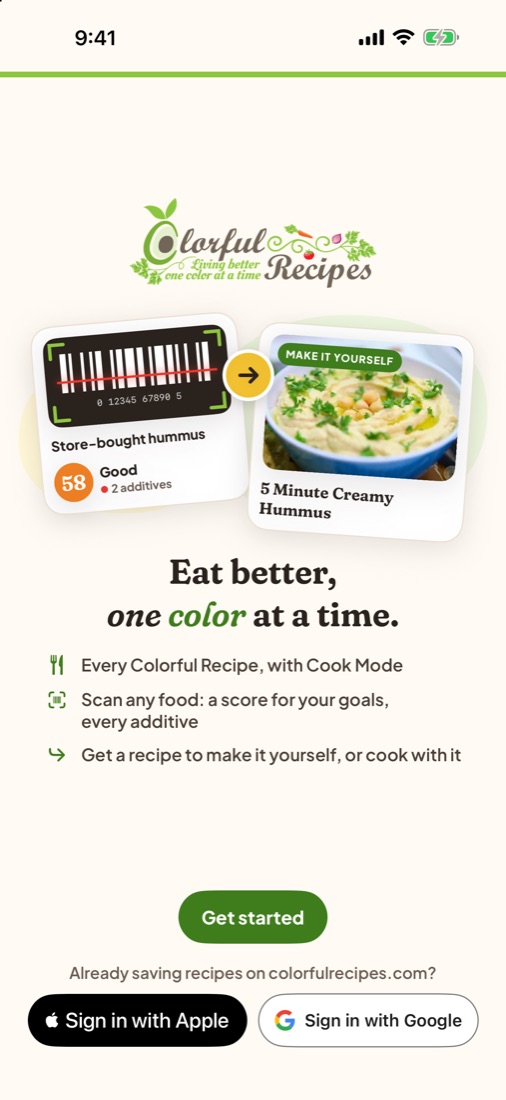
When a packaged product has a homemade version on Colorful Recipes, the scanner takes you straight to it.
Recipes and a product scanner in one app
Colorful Recipes is the app for colorfulrecipes.com, where Christine shares the recipes she makes at home. The app brings the whole library to your iPhone with a cooking mode built for messy hands, and adds a product scanner, so you can check what's in a packaged food and find a recipe to make it yourself. Saving recipes works without an account. Signing in with Apple or Google is optional and keeps your cookbook and goals in sync with the website.
Everything in Colorful Recipes
The whole library
Search every recipe, filter by course, and see what's just been added.
Cook Mode
One step at a time, timers, and voice control with "next", "back" and "repeat".
Product scanner
Barcode lookups through Open Food Facts, scored for your own goals and limits.
Additive check
Every additive listed, with the ones banned or restricted in the EU or the US marked and sourced.
Your cookbook
Save favorites and keep your scan history on your phone.
Sync with the website
Optional Sign in with Apple or Google keeps favorites and goals the same on colorfulrecipes.com.
Comments
Read what other cooks said and tell Christine how it went.
Notifications you choose
New recipes (all or only the courses you pick) and replies to your comments. Off until you turn them on.
See it in action
The App Store screenshots, on iPhone and iPad. Swipe or scroll to see them all.
Free
Colorful Recipes is free, with no subscriptions or in-app purchases.
Frequently asked questions
Is the app free?
Yes. Every recipe, Cook Mode and the product scanner are free. There are no subscriptions or in-app purchases.
Do I need an account?
No. You can browse, cook, scan and save recipes right away; they're kept on your phone. Signing in with Apple or Google is optional and syncs your favorites, goals and limits with My Cookbook on colorfulrecipes.com.
How does voice control in Cook Mode work?
Tap the microphone in Cook Mode once, then say "next", "back" or "repeat". It keeps listening until you tap the microphone again or leave Cook Mode. Where your iPhone supports it, speech is recognized on the phone itself.
Where does the product information come from?
Product names, ingredients, nutrition and photos come from Open Food Facts, a free, open database anyone can add to. If a product is missing, the app links you to add it. Additive rules come from the FDA and EU regulations, with sources in the app.
Is the scanner score medical or nutrition advice?
No. The score and warnings are general information to help you compare products. Always read the package label, and talk to a doctor or dietitian about allergies or medical diets.
How do I turn notifications on or off?
Open the You tab and choose what you'd like under Notifications: new recipes (all, only chosen courses, or off) and replies to your comments. You can also turn them off in the iPhone's Settings.
How do I delete my account?
Open the You tab, then Delete account. This removes your synced cookbook and your sign-in. See the Delete Account page for details.